Big news–you are halfway through your free trial! Don't worry, you still have plenty of time to use that $100 credit—but let's talk about what happens after you exceed that credit so there are no surprises. | | |
When will you get charged?
DigitalOcean conducts bill runs on the first day of the following month for your current month's usage, and your saved primary payment method will be automatically charged with your balance. (Want to confirm what your primary payment method is? Head over to the Billing section in your account!) | | | |
How do you know if your usage exceeds the amount that you want to pay?
Head to the billing alerts section on the Billing page in your account to set up an email alert. Once your monthly spending exceeds the amount that you specified, you will receive an alert directly to your inbox. | | | |
Still have questions? Head over to the Billing FAQ page for more information. If you have more specific questions about your business, our sales team is always happy to help.
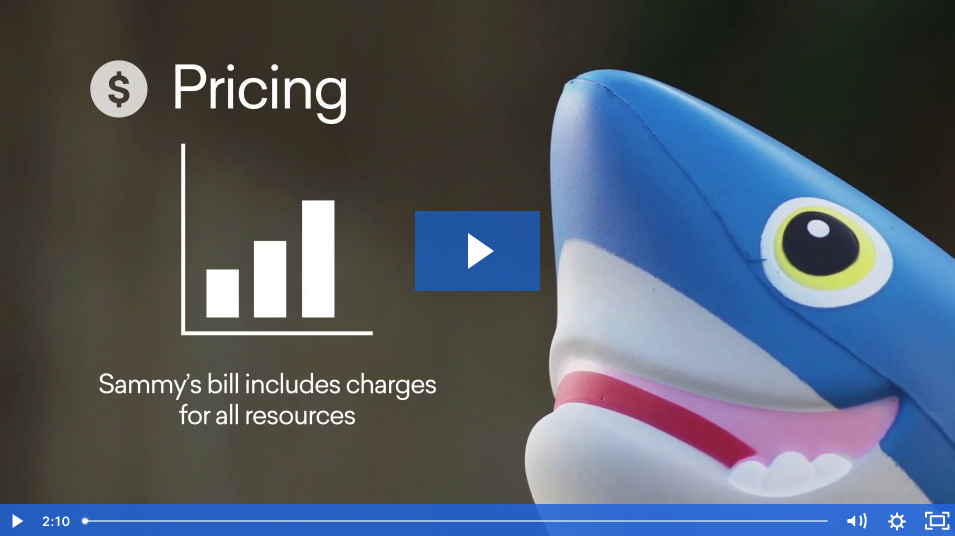
You can also check out this video for a detailed overview and example of how our billing works:
| | |
| [ Image ] [[https://digitalocean-2.wistia.com/medias/ozfe54b2sm]] | | | |
Trial Tips & Tricks
We can tell you exactly what services you can use for free with your credit. Our pricing calculator allows you to map out which products and features your project will need, and will tell you exactly what building that project will cost so there are no surprises. | | | | |

This email was sent to wunnamg.digital002@blogger.com. You can update your email subscription preferences at any time.




Comments
Post a Comment